
 By cdally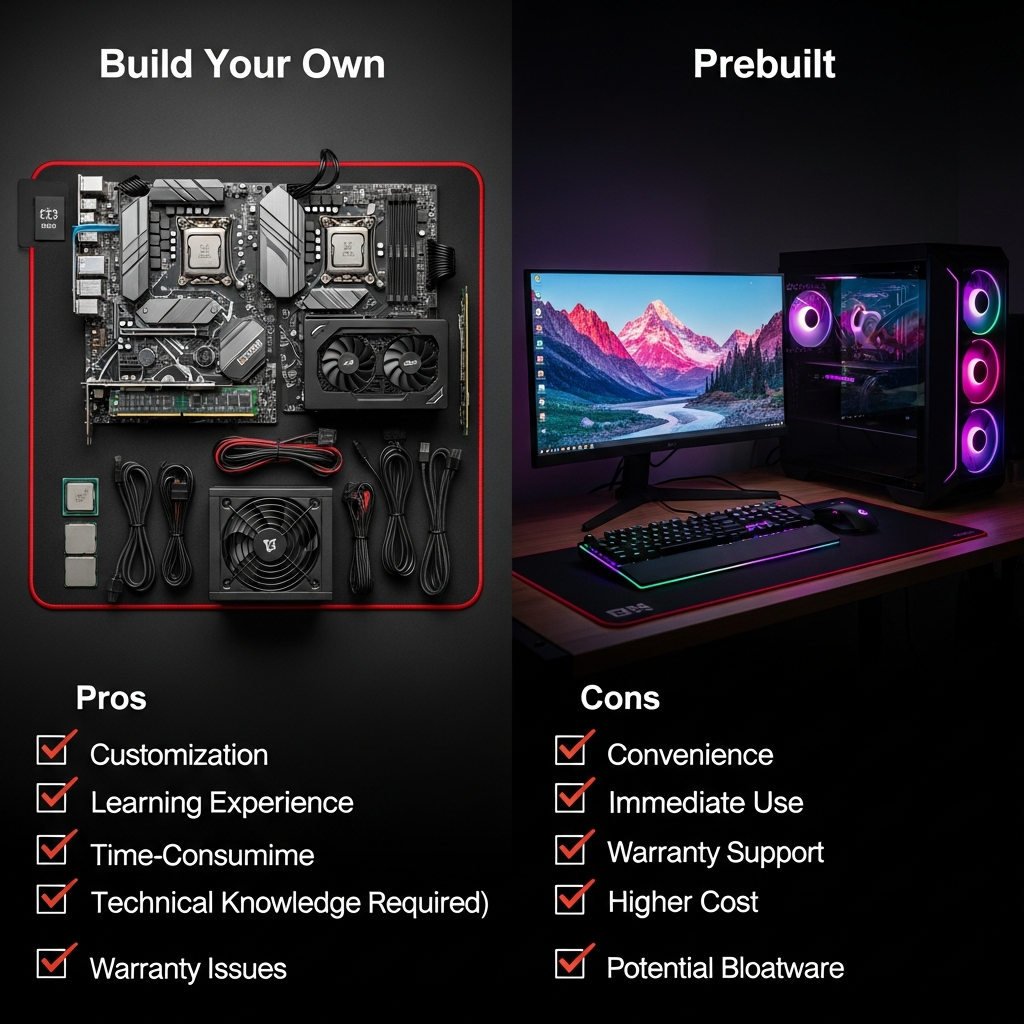
Building your own computer has always been a popular choice among enthusiasts and professionals seeking maximum performance and customisation. However, with the rise of high-quality prebuilt PCs, many wonder: is it cheaper to build a computer, or is buying a ready-built system the smarter choice? Let’s break down the costs, benefits, and trade-offs to help you decide.
1. The Cost Breakdown: Building vs. Buying
Building Your Own PC
When you build your own computer, you select each component individually. Here’s a sample breakdown for a mid-range gaming/workstation PC (2024 prices):
- CPU (Processor): $200-$300
- Motherboard: $100-$180
- RAM (16GB): $50-$70
- GPU (Graphics Card): $300-$500
- SSD (1TB): $60-$90
- Power Supply: $50-$80
- Case: $50-$100
- Operating System (Windows): $100
- Total: $910–$1,420
Image Suggestion:
Display a collage of PC components (CPU, GPU, motherboard, RAM, etc.) laid out neatly, ready for assembly.
Buying a Prebuilt PC
Prebuilt computers come fully assembled and tested. For a similar mid-range system, prices may look like this:
- Mid-range Prebuilt Gaming PC: $1,100–$1,500
This includes:
- Labor and assembly costs
- Pre-installed operating system
- Warranty and technical support
Image Suggestion:
Show a sleek, ready-to-use gaming desktop on a desk setup, with peripherals and RGB lighting.
2. Advantages of Building Your Own PC
- Customisation: Choose every part based on your needs and budget.
- Upgrade Path: Easier to upgrade individual components later.
- Learning Experience: Great for tech enthusiasts looking to understand their hardware.
Image Suggestion:
Time-lapse or step-by-step photos of someone assembling a PC, focusing on installing the CPU or GPU.
3. Advantages of Buying Prebuilt
- Convenience: Arrives ready to use; no assembly required.
- Warranty & Support: One-stop support for the entire system.
- Time Savings: Perfect for those who want a quick and hassle-free experience.
Image Suggestion:
Photo of a smiling person unboxing a prebuilt PC, with the system and accessories visible.
4. Which Option is Cheaper?
- Building can be cheaper if you shop for deals, reuse old parts, or avoid paying for unneeded features.
- Prebuilt systems often have better bulk pricing on components but add markup for labour, assembly, and support.
Current Market Insight:
During times of GPU shortages or high demand, prebuilt PCs can sometimes be a better value, as manufacturers secure parts at wholesale prices.
5. Conclusion
If you value customisation, learning, and potentially lower costs (especially for high-end systems), building your own PC is rewarding.
If you prefer convenience, support, and time savings, a prebuilt system is worth the extra expense.
No matter your choice, understanding the price breakdown helps you make the best decision for your needs and budget!